
Ever found yourself wondering where you left your favorite coffee shop or that quirky bookstore you stumbled upon last summer? With an iPhone in hand, tracking down those past locations is easier than finding a needle in a haystack—if the haystack had a GPS.
Understanding Location Services on iPhone
Location services on iPhone provide users the ability to track their movements and revisit past locations easily. With GPS technology, these features enhance user experience and ensure convenience.
Importance of Location History
Location history allows users to remember visited places effortlessly. Tracking previous locations helps with navigation, improving efficiency during commutes. Users can return to favorite spots, like restaurants or parks, without difficulty. Moreover, businesses leverage this information for personalized marketing or promotions. Analyzing location history contributes to better service delivery, ensuring customer satisfaction.
How Location Tracking Works
Location tracking employs GPS, Wi-Fi, and Bluetooth to pinpoint a device’s position. GPS satellites send signals, which the iPhone interprets to determine location accurately. Wi-Fi networks provide additional data points, enhancing location precision, especially indoors. Bluetooth beacons also play a role, especially in retail environments. Users can manage their location settings in the privacy section of their device, adjusting how and when their location is shared.
Methods to Check Past Locations
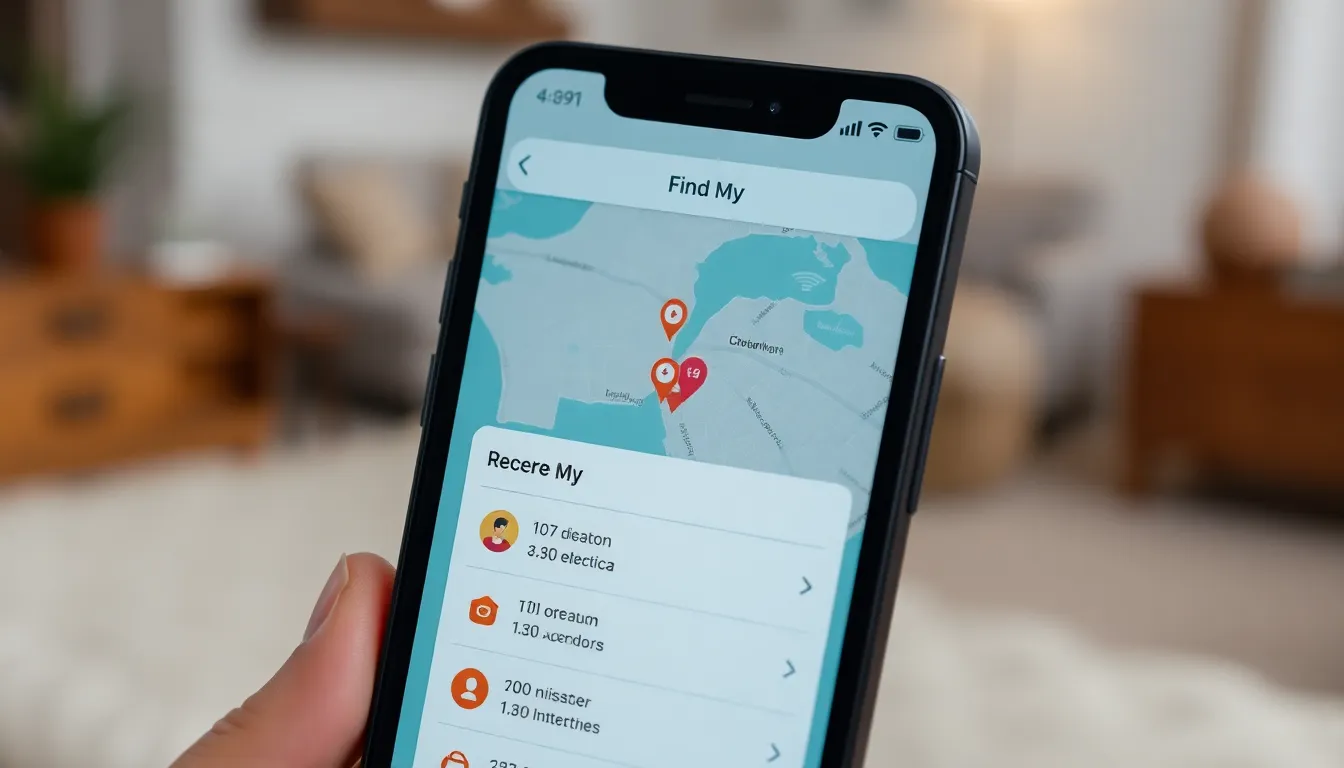
Checking past locations on an iPhone can occur through several methods. Users can utilize built-in apps to review location history efficiently.
Using the Find My App
To use the Find My app, open it and navigate to the “People” tab. Here, your device identifies the locations of friends and family who share their location with you. Ensuring location sharing is enabled can help users view where they last were. Tapping on a specific person shows their recent locations, making it easier to recall past gatherings. Furthermore, the app can display the last known location of a device, providing crucial information if a device is lost.
Accessing Significant Locations
Accessing Significant Locations involves going to Privacy settings on the iPhone. Navigate to Settings, then Privacy, and select Location Services. From there, scroll down to System Services and tap on Significant Locations. Here, users can view a chronological list of places visited frequently. This feature aggregates location data for better recall of important sites. Additionally, it showcases details like the number of visits and the dates, allowing insights into patterns over time.
Using Third-Party Apps
Third-party apps offer another method for checking past locations on an iPhone, enhancing users’ experience beyond built-in solutions. These applications often provide additional features for tracking and managing location history.
Popular Location History Apps
Several apps excel in tracking location history. Life360 combines family tracking with location history features, showing users where family members have been. Google Maps maintains a timeline feature that displays visited locations and routes taken, allowing for easy navigation to past destinations. Find My Friends enables users to share location with friends, making it simple to stay connected. Another notable app, Geo Tracker, specializes in tracking outdoor adventures and creating detailed maps of past trips.
How to Sync and Use These Apps
Syncing and using these third-party apps require simple steps. First, download the desired app from the App Store and install it. After installation, create an account for personalized features. Grant location permissions, ensuring the app accesses accurate location data. Users should explore in-app settings to adjust preferences for notifications and privacy. Lastly, regularly open the app to view location history and enhance tracking capabilities.
Privacy Considerations
Privacy remains a vital focus when checking past locations on an iPhone. Users can manage their location sharing settings effectively to ensure personal data remains secure.
Managing Location Sharing Settings
Location sharing settings grant control over which apps can access location data. Users access these settings by navigating to Privacy and selecting Location Services on their devices. Enabling or disabling location access for specific apps allows them to choose what information to share. Fine-tuning settings can limit tracking to only when an app is in use. Additionally, determining whether to share location with friends through the Find My app can significantly affect privacy. Opting for limited sharing provides a balance between usability and confidentiality.
Deleting Location History
Deleting location history can enhance privacy on an iPhone. Accessing Significant Locations within the Privacy settings enables users to view a list of visited places. Users can delete specific entries or clear the entire history, reinforcing personal data security. It’s possible to do this by selecting a location and choosing the option to delete. This action ensures the removal of any sensitive data from the device. Regular management of location history helps in maintaining privacy and security while using location services.
Checking past locations on an iPhone is a valuable tool for users looking to revisit favorite spots or enhance their navigation experience. With built-in features like Significant Locations and the Find My app alongside third-party applications, managing location history has never been easier.
Users can effortlessly track their movements while maintaining control over their privacy settings. Regularly reviewing and managing location data not only helps in personal organization but also ensures that sensitive information remains secure. Embracing these tools can lead to a more informed and enjoyable experience with every journey taken.