
In the age of smartphones, losing track of your favorite videos on an iPhone can feel like misplacing your keys—frustrating and oddly common. With countless apps and storage options, finding that hilarious cat video or inspiring TED talk shouldn’t require a treasure map. Fear not, because navigating your iPhone’s video library is easier than you think.
Understanding Video Storage on iPhone
Videos on iPhone can take many forms. Users often store recordings from family events, clips downloaded from social media, or streamed movies.
Types of Videos Stored
Users frequently store various types of videos on their devices. Home videos capture special moments while downloaded content includes movies and shows. Short clips and funny videos from apps like TikTok or Instagram are also common. Additionally, educational content from platforms like YouTube enhances the video library. These diverse formats allow users to enjoy a variety of entertainment options right at their fingertips.
Where Videos are Located
Finding videos requires knowing where the iPhone stores them. Photos app houses videos recorded with the camera, sorted alongside photos. Downloads from streaming platforms typically appear in the corresponding app libraries. For example, the Apple TV app organizes purchased and rented movies. Third-party apps may contain their video collections as well. Accessing each location helps users locate their favorite clips quickly.
Using the Photos App to Find Videos
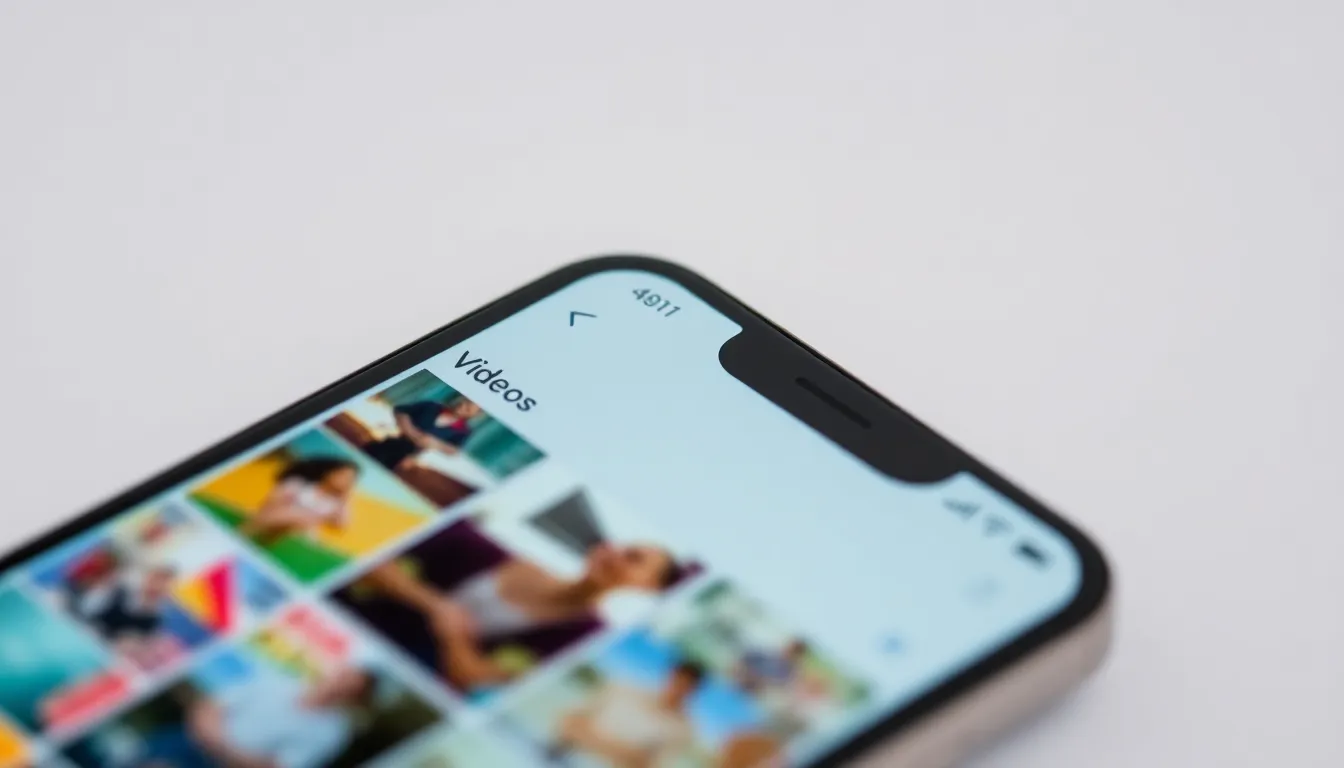

Finding videos using the Photos app is straightforward. Users can access an organized gallery of videos captured on their iPhone.
Accessing the Video Album
Tap the Photos app icon on the home screen. Next, select the “Albums” tab at the bottom. Locate the “Videos” album, where all recorded and saved videos reside. This album displays all videos in one convenient place, allowing users to scroll through their collection easily. Users can play videos directly from this album to view moments captured quickly.
Searching for Videos by Date or Location
Utilizing the Photos app’s search function enhances video locating efficiency. Tap the “Search” tab at the bottom of the app. Users can enter specific dates or locations to filter video results. This feature displays a selection of videos based on the timeframe or place photos were taken. By narrowing down the search, users can locate that cherished birthday party clip or memorable family vacation video with just a few taps.
Utilizing the Files App
The Files app on an iPhone makes accessing videos straightforward. Users can manage their video library efficiently by organizing videos into folders.
Organizing Videos in Folders
Creating specific folders in the Files app simplifies video management. Users can categorize videos based on themes such as family events, vacations, or educational content. To organize, they tap the “Browse” tab, select “On My iPhone,” and create new folders. Moving videos into these folders requires selecting the video, tapping “Move,” and choosing the desired folder. This structured approach allows for easy retrieval and reduces time spent searching.
Finding Videos through Search
Searching for a specific video in the Files app is quick and effective. Users simply tap on the search bar at the top of the “Browse” tab. Entering keywords related to the video, such as titles or dates, generates relevant results instantly. For those with numerous videos, this search functionality saves time, allowing for rapid access to desired content without sifting through endless files.
Third-Party Apps for Video Management
Third-party apps offer excellent options for managing and finding videos on an iPhone. These applications enhance the video browsing experience and provide additional functionalities.
Popular Video Finder Apps
Numerous video finder apps serve well for organizing and locating videos. VLC Media Player excels at supporting various file formats, making it ideal for diverse video collections. Infuse is another option, providing seamless access to video libraries with a clean interface. Players like PlayerXtreme permit not only playback but also file management capabilities.
How to Use These Apps Effectively
Using these apps effectively involves a few simple steps. First, download the desired app from the App Store. Next, import videos by selecting files from either the Photos app or other storage. Utilize search functions within each app to locate specific videos quickly. For personalized organization, create playlists or folders according to themes or events. Regularly updating app settings ensures users benefit from the latest features.
Finding videos on an iPhone doesn’t have to be a hassle. With the right tools and strategies in place users can quickly access their favorite clips whether they’re stored in the Photos app or managed through third-party applications. By utilizing features like organized albums and efficient search functions users can streamline their video retrieval process.
Creating folders in the Files app and exploring popular video management apps can further enhance the experience. With a little organization and the right approach anyone can keep their video library tidy and easily accessible. Embracing these techniques will ensure that cherished memories and entertaining content are always just a few taps away.